In business, you often make a first impression in seconds — and a business card is one of the simplest, most effective tools for making it stick. Its size does more than you’d think: it shapes how the card feels in someone’s hand, how much information you can fit, whether it slips neatly into a wallet, and how it stores or displays afterward.
This guide walks through everything you need before you design or print: the standard business card size, international dimensions, popular custom formats, the bleed and safe-area specs printers actually require, and how to match all of it to the right business card boxes and display boxes.
What Is the Standard Business Card Size?
In the United States and Canada, the standard business card size is:
- 3.5 x 2 inches (88.9 x 50.8 mm, or 89 x 51 mm rounded)
That’s the size nearly every wallet, cardholder, badge sleeve, and business card box is built around — which is exactly why it has stayed the default for so long. It’s close to the size of a credit card or driver’s license, so it travels well and gets kept. If you’re printing for a North American audience and you’re not sure which size to pick, this is the safe one.
Why Business Card Size Matters
Size isn’t just a formatting detail. It affects three practical things at once: whether the card fits where people keep cards, how readable your information is, and how the finished card presents your brand.
- Too small: cramped text, tiny logos, and a card that’s easy to overlook or lose.
- Too large: a card that won’t sit flush in standard wallets, cardholders, or display boxes — so it gets bent, set aside, or thrown away.
Your dimensions also decide your layout. The right size gives your logo, name, title, and contact details room to sit balanced and legible instead of fighting for space.
Business Card Sizes Around the World

If you deal with international clients or print overseas, it helps to know the local standard. Handing someone a card that doesn’t fit their regional cardholder is a small thing, but it registers. Here are common standards by region:
| Region | Size (inches) | Size (mm) |
| USA & Canada | 3.5 × 2 | 89 × 51 |
| UK, Ireland & Western Europe | 3.35 × 2.17 | 85 × 55 |
| Japan | 3.58 × 2.17 | 91 × 55 |
| Australia, India, New Zealand & much of South/SE Asia | 3.54 × 2.17 | 90 × 55 |
| China, Hong Kong, Malaysia & Singapore | 3.54 × 2.13 | 90 × 54 |
| Scandinavia, much of Eastern Europe & Latin America | 3.54 × 1.97 | 90 × 50 |
| Egypt | 3.43 × 2.24 | 87 × 57 |
| Iran | 3.35 × 1.89 | 85 × 48 |
Regional dimensions above are drawn from Canva’s international sizing reference; the US, European, and Japanese standards are corroborated across major print sources.
There’s no single universal standard, so when in doubt, check the expected format for the country you’re printing in — or default to 3.5 x 2 inches, which is widely accepted internationally.


Common Custom Business Card Sizes
The standard exists for good reasons, but it isn’t your only option. If you want to stand out — or you simply need a different footprint — these formats are the most popular alternatives.
Mini Business Cards
- Size: around 3.0 x 1.0 inches (formats vary by printer; some run 3.5 x 1.5 in)
Slim and minimalist. Great as inserts, loyalty cards, freebies, or reminders where a full card would be more than you need. Keep the message to one clear idea — there’s less room, so don’t try to cram in full contact details.
Square Business Cards
- Size: 2.5 x 2.5 inches
Modern, distinctive, and well suited to putting a logo or product shot front and center. The trade-off: a square card won’t slide into a standard wallet or most business card display boxes the way a 3.5 x 2 card will, so save it for moments where standing out matters more than easy storage.
Folded Business Cards
- Size (folded): 3.5 x 2 inches
- Size (unfolded): 3.5 x 4 inches
A folded card keeps a standard footprint but doubles your usable space — useful for a mini menu, a map, appointment details, a small portfolio, or a loyalty punch layout.
Die-Cut and Custom Shapes
Rounded corners, contour cuts around a logo, or fully custom silhouettes can make a strong first impression when the shape suits the brand. A few things to weigh: custom dies raise the cost and minimum order, very intricate shapes can be harder to store and more fragile at the edges, and you’ll want to keep text well away from the cut line.
| Format | Typical size | Best for | Watch out for |
| Standard | 3.5 × 2 in | Everyday networking, universal fit | — |
| Mini | ~3.0 × 1.0 in | Inserts, loyalty, freebies | Limited space; keep it to one message |
| Square | 2.5 × 2.5 in | Visual/creative brands | Won’t fit standard wallets or holders |
| Folded | 3.5 × 2 in folded | Extra info, menus, maps | Costs more; needs careful layout |
| Die-cut | Fully custom | Standout brand moments | Higher cost; fragile edges; storage |
Bleed, Trim, and Safe Area: The Specs Printers Actually Need

This is the part most first-time designers miss — and it’s the difference between a clean card and one with a thin white sliver down the edge. Printing is mechanical, and cutting machines shift a hair from one card to the next, so a print-ready file works in three zones.
- Trim size — where the card is actually cut. This is your finished size: 3.5 x 2 in for a standard US card.
- Bleed — extra background that extends past the trim line so a slightly off-center cut never leaves a white border. The standard is 0.125 in (3 mm) on all four sides, giving a design canvas of 3.75 x 2.25 in.
- Safe area — an interior margin where your text, logo, and contact details should stay so nothing important gets trimmed off. Keep everything 0.125 in inside the trim line, i.e. within about 3.25 x 1.75 in.
If your design has a background color, photo, or pattern, extend it all the way into the bleed. If it has a clean white border, you can technically skip bleed — but most printers still want it as a safety margin.


Business Card Size in Pixels (and Why DPI Matters)
If you’re designing in a pixel-based tool, resolution decides whether your card prints sharp or blurry. The print standard is 300 DPI (dots per inch). A file that looks crisp on screen at 72 DPI — the web default — will come out soft and pixelated in print.
The math is simple: multiply the inch dimensions by 300. For a standard US card at 300 DPI:
| Zone | Inches | Pixels (300 DPI) |
| Trim (finished size) | 3.5 × 2 | 1050 × 600 |
| Bleed (design canvas) | 3.75 × 2.25 | 1125 × 675 |
| Safe area | 3.25 × 1.75 | 975 × 525 |
A good habit: set your document to the physical card size at 300 DPI and let the software handle the pixel count, rather than eyeballing pixels directly. And always design in CMYK, not RGB — RGB is built for screens and tends to shift toward duller colors when converted for print.
How to Choose the Right Business Card Size
Picking a size comes down to a few honest questions about how the card will actually be used.
- Where will you hand it out? A card grabbed at a busy networking event needs to pocket easily; a card sitting on a retail counter can afford to be more playful; a mailer insert shouldn’t bend in transit.
- Will it fit wallets and holders? Most wallets take cards roughly 3.4–3.6 in wide and 2–2.2 in tall. Standard and rounded-corner cards fit; square and oversized cards often don’t.
- How much information do you really need? A name and email fit comfortably on a standard card. A role, phone, address, QR code, and legal text may call for a larger or folded format.
- What does the size say about your brand? Traditional fields — law, finance, real estate — tend to read as stable and familiar with a standard card. Creative and design-led brands have more room to use square, mini, or die-cut shapes, as long as the design stays clear.
- What’s your budget and print run? Standard sizes are the most cost-efficient and fastest to produce. Custom shapes need custom dies, which raise minimums and slow reprints, and odd shapes are harder to stack, store, and ship.
Tips for Designing the Perfect Business Card
- Respect the safe margin. Keep text and logos at least 0.125 in (3 mm) inside the edge so the trimmer never clips them.
- Design in CMYK. It keeps your printed colors true to what you approved on screen.
- Mind your font sizes. Names and primary info generally read best at 10–12 pt, with 8 pt as a practical floor for the smallest text.
- Choose a substantial stock. Cards tend to feel more premium and durable in the heavier range; finishes like matte, gloss, and silk lamination add to the impression.
- Add functional finishes. Embossing, foil stamping, or spot UV can lift a card’s impact without changing its dimensions at all.
How Thick Should a Business Card Be?
Thickness is a dimension too, and it shapes how the card feels the second someone picks it up. Card stock is measured in points (pt) — the higher the number, the thicker the card. A common professional range runs from roughly 14pt to 16pt, with heavier premium stocks going up from there. Thicker generally feels more expensive, but the trade-off is cost per card, so a good rule of thumb is: if you hand out cards in high volume, a standard weight is fine; if you hand out fewer cards in high-value moments, a thicker stock earns its keep.
Business Card Display Boxes: Impress at First Glance
A business card display box turns a stack of cards into a clean, professional presentation — perfect for a reception desk, an office, or an event booth. It keeps cards easy to grab while looking far more deliberate than a rubber-banded pile.
Display boxes come in materials like acrylic, wood, and metal, and most are built around the standard 3.5 x 2 in card. That’s one more reason to confirm your card size before you print: a card that runs larger or oddly shaped may sit awkwardly in the holder or get hidden entirely.
Storing and Traveling With Business Cards
- Heading to an event? A sturdy business card case or box keeps your cards crisp and unbent on the way there.
- Organizing cards you receive? A sectioned display box makes them easy to sort and find later.
- Gifting cards? A personalized card box adds an elegant finishing touch to the handoff.
Final Thoughts
The dimensions you choose say more about your professionalism than you might expect. A well-proportioned, cleanly designed card sits easily in a client’s hand — and their memory. Whether you go with the standard 3.5 x 2 in or a creative format, keep it functional, on-brand, and ready for print. And once the card is designed, the right business card boxes and display boxes protect and present it long after the first handshake.
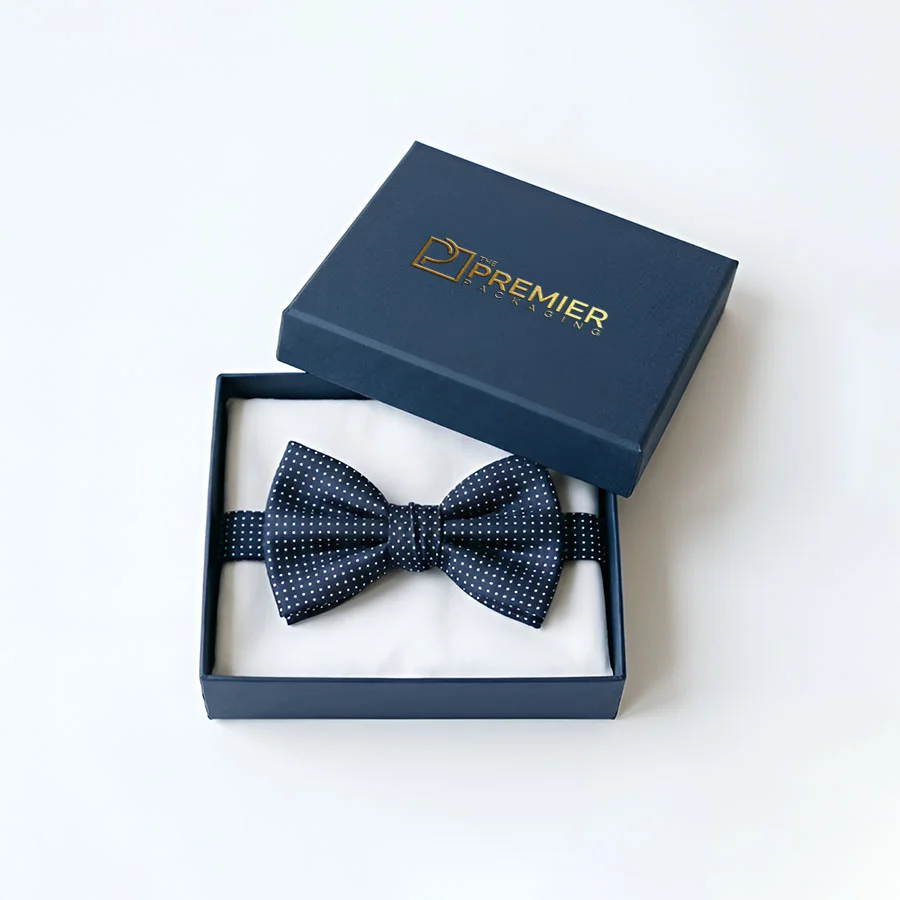
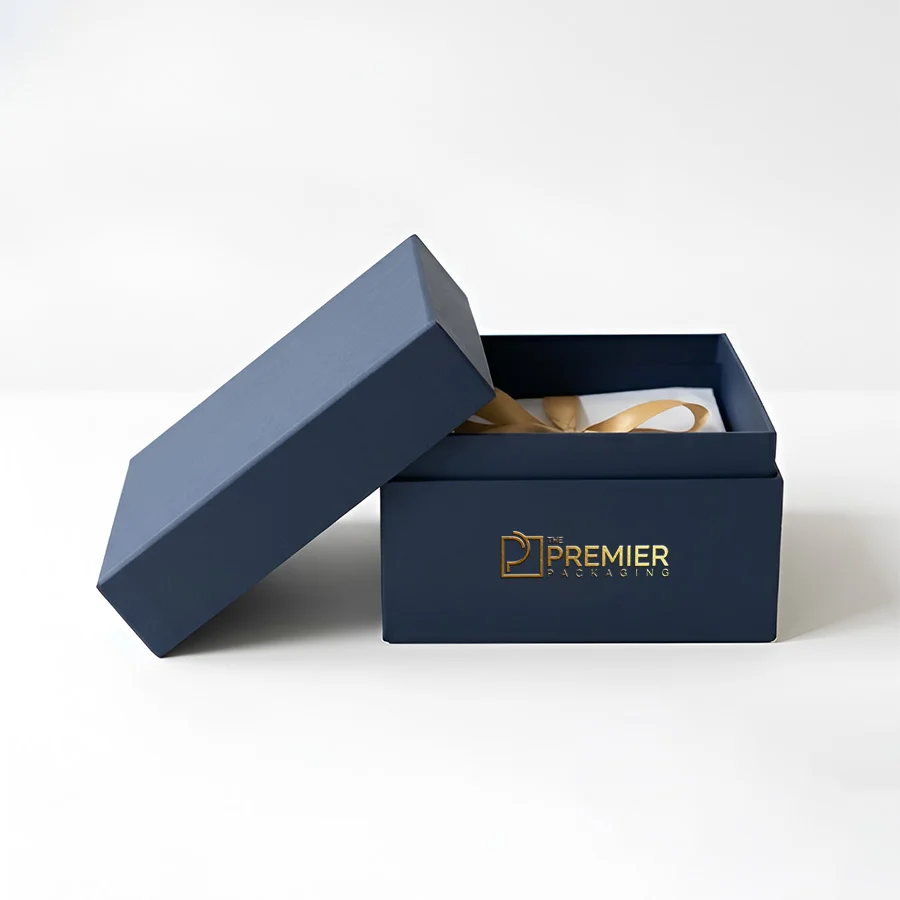
To complement your custom cards, pair them with bespoke display packaging. Explore our Die-Cut Business Cards for custom shape options, or store your inventory in custom-tailored Business Card Boxes designed to fit unique dimensions seamlessly.
Frequently Asked Questions:
What is the standard business card size?
In the US and Canada it’s 3.5 x 2 inches (88.9 x 50.8 mm). This size fits standard wallets, cardholders, and display boxes, which is why it’s the most widely used format.
What size should my file be with bleed?
For a standard 3.5 x 2 in card, add 0.125 in of bleed on every side, making your full design file 3.75 x 2.25 in (1125 x 675 px at 300 DPI). Extend any background color or image into that bleed area. Some printers use their own template, so check theirs first.
What is the safe area on a business card?
It’s the interior margin where your important content should sit — roughly 3.25 x 1.75 in for a standard card. Keep names, logos, and contact details inside it so nothing is lost at the trim.
Can business cards be square?
Yes. Square cards are typically 2.5 x 2.5 inches and work well for creative, visual brands — just remember they don’t fit standard wallets or most holders as neatly as a 3.5 x 2 card.
Should I design in RGB or CMYK?
CMYK, RGB is for screens and can shift color when converted for print, especially with bright tones.
Does business card size affect printing cost?
Yes. Standard sizes are generally the most cost-efficient because they fit common production formats. Custom shapes and specialty constructions add cost and lead time.
Share on: